How to Add Client as a Guest in Slack Channel
Purpose: Invite clients as guests so they join your workspace/channel directly (no separate workspace), and their membership won’t automatically expire.
Step 1
Open Slack on the web or desktop app and sign in as a Workspace Admin/Owner.
Step 2
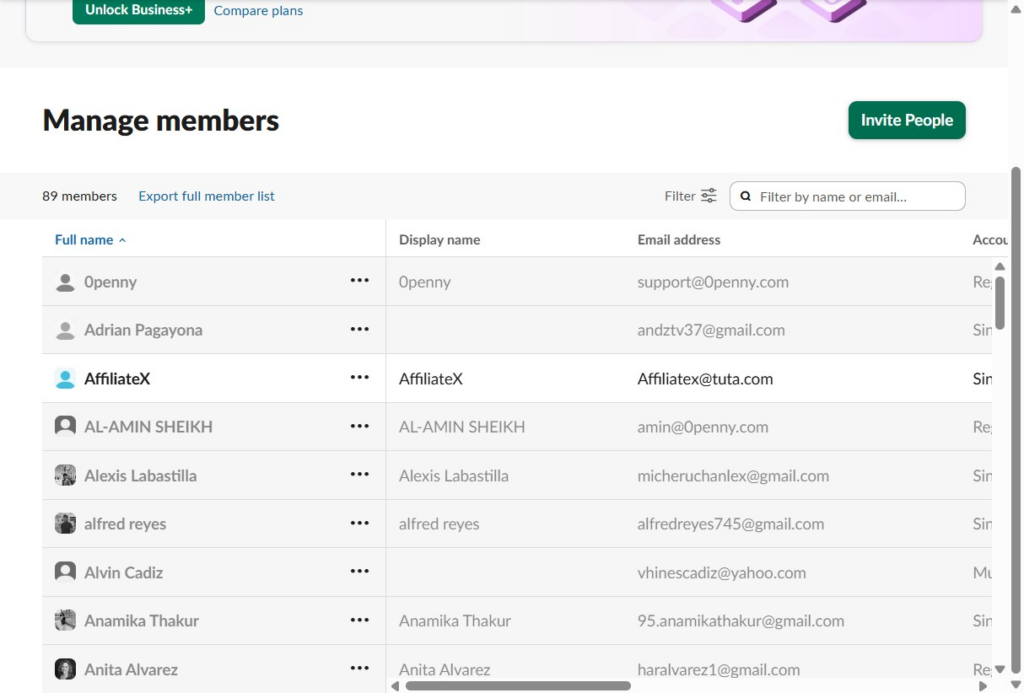
Click “Manage members”

Step 3
Click “Invite People”